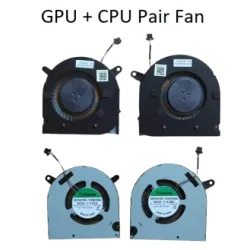
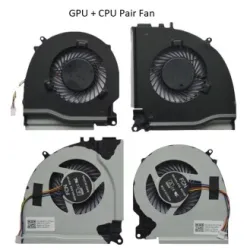
Buy Laptop Cooling Fans Online at the Best Prices

What are Laptop Fans?
A laptop fan is a component of a laptop's cooling system that is designed to regulate the temperature of the computer by circulating air over the internal components, such as the CPU and GPU. Laptops generate heat when they are in use, and if that heat is not dissipated, it can damage the internal components, causing the computer to malfunction or fail. The fan pulls cool air from outside the laptop and blows it over the hot components, which helps to dissipate the heat and keep the computer running smoothly. Some laptops have multiple fans, and there are also external laptop cooling systems available that use fans to help regulate the temperature of the computer.
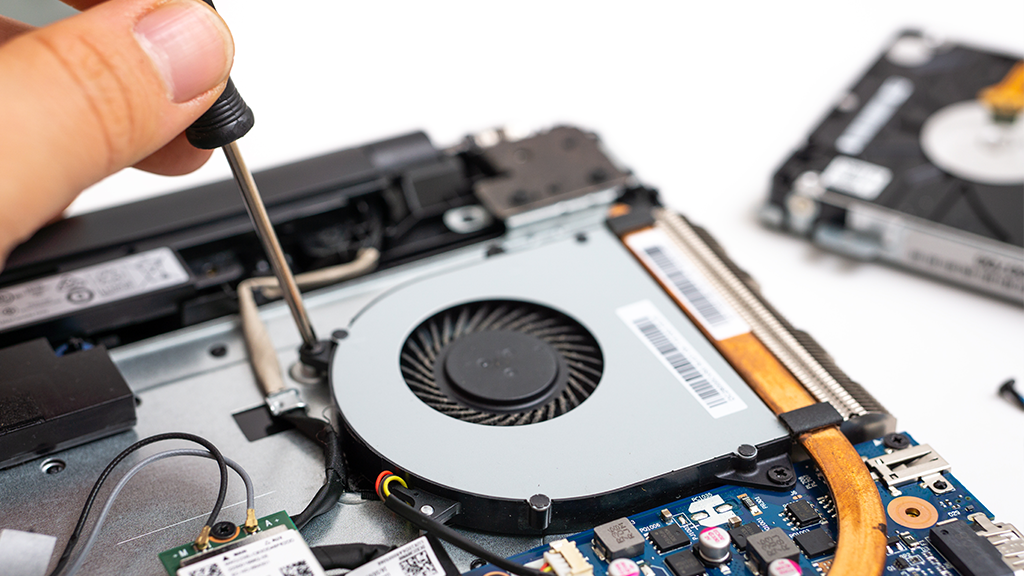
Features of Laptop Fans
Here are some common features of laptop fans:
Size:
Laptop fans come in different sizes to fit different laptop models.
Speed:
Fan speed is an important factor in cooling efficiency. Laptop fans usually have variable speed settings, which adjust depending on the temperature of the laptop.
Noise level:
Laptop fans can be noisy, especially when running at high speeds. Some laptop fans are designed to be quiet, while others may produce more noise.
Directional control:
Some laptop fans are designed to blow air in a specific direction to optimize cooling efficiency. For example, some laptop fans are designed to pull air in from the bottom of the laptop and blow it out the sides.
Power consumption:
Laptop fans use power from the laptop's battery or power supply. Some laptop fans are designed to be energy-efficient to extend battery life.
Automatic control:
Some laptop fans have sensors that detect the temperature of the laptop and adjust the fan speed accordingly. This feature helps to optimize cooling efficiency and reduce noise.
Durability:
Laptop fans are built to last, but the durability can vary depending on the manufacturer and model. Some laptop fans may be more durable than others and have longer lifespans.
Maintenance:
Laptop fans may require periodic cleaning to remove dust and debris that can accumulate over time and reduce the cooling efficiency. Some laptop fans are designed to be easy to clean, while others may require disassembly to access and clean the fan.

The importance of laptop cooling and how fans help prevent overheating
Laptop cooling is crucial to the overall performance and longevity of the device. When a laptop is in use, it generates heat due to the processing power of its internal components. If this heat is not dissipated, it can cause the laptop to overheat, leading to reduced performance, system crashes, and even hardware failure.
This is where laptop fans come in. Laptop fans are designed to circulate air over the internal components of the laptop, such as the CPU and GPU, to dissipate the heat generated by these components. The fan pulls cool air into the laptop and blows hot air out, helping to regulate the temperature of the laptop and prevent overheating.
Without proper cooling, a laptop's internal components can reach temperatures that exceed their recommended operating ranges, which can cause permanent damage to the components. Overheating can also cause the laptop to slow down, as the processor throttles its performance to prevent further overheating. This can lead to reduced productivity and frustration for the user.
In addition to using fans, there are other methods of cooling a laptop, such as using cooling pads or applying thermal paste to the CPU and GPU. However, fans are typically the most effective and efficient way of regulating a laptop's temperature.
Overall, the importance of laptop cooling cannot be overstated. Investing in a good laptop fan or cooling solution can help to prevent overheating, extend the lifespan of your laptop, and ensure that it performs optimally for years to come.
Yes, laptop fans really work. They are designed to circulate air over the internal components of a laptop to dissipate the heat generated by these components. This helps to regulate the temperature of the laptop and prevent overheating, which can lead to reduced performance and even hardware failure. Proper cooling is essential to the overall performance and longevity of a laptop, and fans are typically the most effective and efficient way of achieving this.
There are several types of fans used in laptops, but the most common type is the axial fan. Axial fans work by pulling air in through the intake vents of the laptop and blowing it out through the exhaust vents. They are typically small and lightweight, making them well-suited for use in laptops. Other types of fans used in laptops include centrifugal fans and hybrid fans, which combine elements of both axial and centrifugal designs. The specific type of fan used in a laptop can vary depending on the manufacturer and model.
You can improve your laptop cooling fans by cleaning them and the vents, using a cooling pad, adjusting power settings, keeping your laptop on a hard surface, using fan control software, and applying thermal paste. These steps can help to optimize the cooling performance of your laptop and prevent overheating.
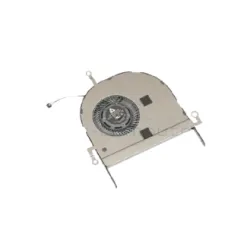
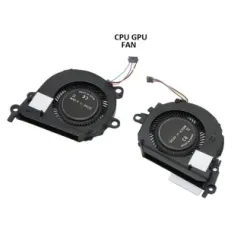
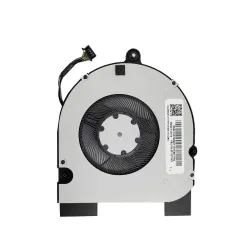
-250x250w.webp "HP Omen 15-CE 15-CE0XX 15-CE000 17-an 15CE 15CE 15 CE Laptop Cooling Fan 929455-001 929456-001 Cooler")
-250x250h.webp "HP Omen 15-CE 15-CE0XX 15-CE000 17-an 15CE 15CE 15 CE Laptop Cooling Fan 929455-001 929456-001 Cooler")