Get the Best Brands of HBA Cards at a Great Price in India | Barcode, Dell, HP, IBM
What is an HBA card?
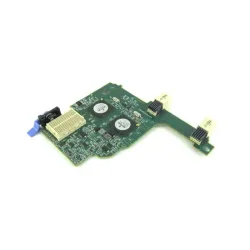
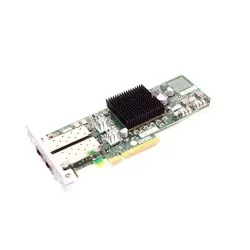
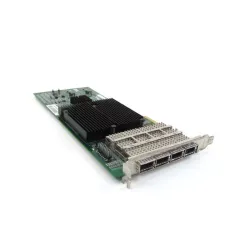
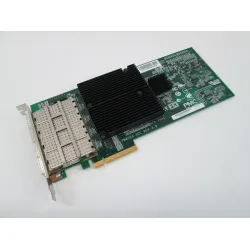
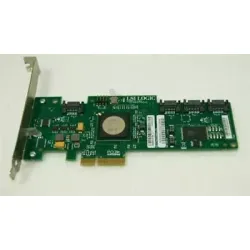
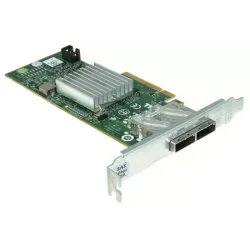
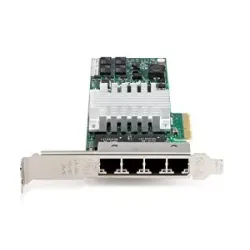
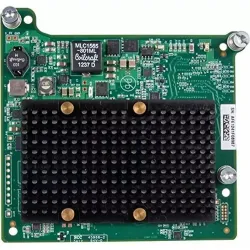
An HBA (Host Bus Adapter) card is a type of expansion card that allows a computer to communicate with various peripheral devices using a high-speed serial interface. The HBA card acts as an interface between the computer's CPU and the storage devices, such as hard drives, solid-state drives, and tape drives.
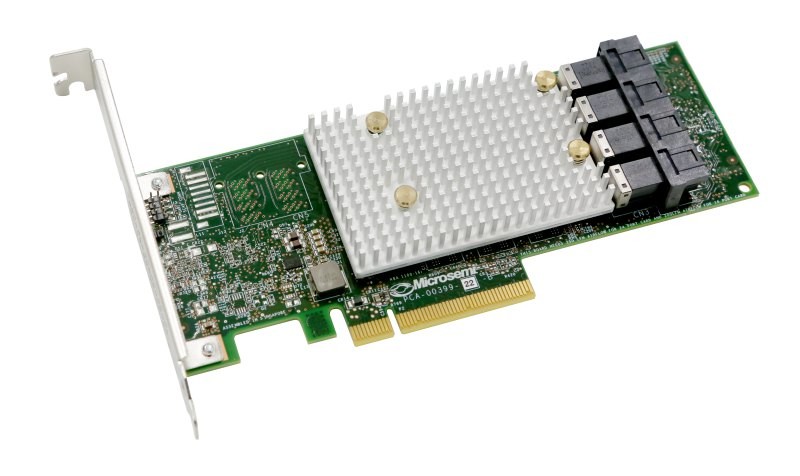
The HBA card is typically used in storage area networks (SANs) and other enterprise-level storage solutions, where high-speed data transfer rates and reliability are essential. The card provides advanced features such as data protection, data encryption, and data management capabilities.
The HBA card is available in several interfaces, including Fibre Channel, SAS (Serial Attached SCSI), and iSCSI (Internet Small Computer System Interface). Each interface provides different data transfer rates and capabilities, depending on the specific requirements of the storage solution.
Top HBA cards on the market and their features
Here are some of the top HBA cards on the market and their features:
Broadcom Emulex LPe32002 HBA:
This HBA card provides high performance with low latency and a range of connectivity options. It has 32Gb Fibre Channel (FC) connectivity, which offers fast data transfer rates and advanced features such as data protection and management capabilities. It also has a dual-port design, which provides redundancy and increased reliability.
QLogic QLE2692 HBA:
This HBA card offers high-speed data transfer rates with advanced security and scalability features. It has 16Gb Fibre Channel connectivity and supports FC-NVMe, which enables storage to be accessed over Fibre Channel networks. It also has a dual-port design, and it supports advanced features such as virtualization and encryption.
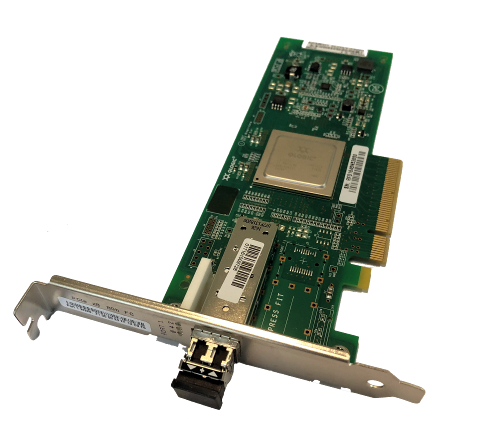
ATTO Technology ExpressSAS H680 HBA:
This HBA card provides a high degree of flexibility and scalability with support for multiple operating systems. It has eight external SAS/SATA ports and supports SAS and SATA devices, which makes it suitable for a variety of storage configurations. It also has a low-profile design, which makes it easy to install in compact systems.
LSI SAS 9300-8e HBA:
This HBA card delivers fast data transfer rates and supports a wide range of storage devices. It has eight external SAS ports and supports SAS and SATA devices. It also supports advanced features such as RAID configurations, which provide data protection and redundancy.
Adaptec HBA 1100:
This HBA card offers a high level of performance with low power consumption and support for multiple operating systems. It has eight internal SAS/SATA ports and supports SAS and SATA devices. It also supports advanced features such as port isolation and power management, which reduces power consumption and enhances system reliability.
HighPoint RocketRAID 2840A HBA:
This HBA card provides high-speed data transfer rates and supports RAID configurations for enhanced data protection. It has eight external SAS/SATA ports and supports SAS and SATA devices. It also supports advanced features such as hot-swap and online capacity expansion, which makes it easy to manage and scale storage configurations.
Keep in mind that the best HBA card for you depends on your specific requirements and use case, so it's important to do your research and choose the one that best fits your needs.
How to install an HBA card?
Here are the general steps to install an HBA card:

Turn off your computer and unplug all cables from the back of the computer, including the power cord.
Open the computer case and locate an available PCI or PCIe slot. Make sure the slot matches the interface of your HBA card.
Remove the slot cover by unscrewing it from the back of the case.
Align the HBA card with the slot and gently press it into place. Make sure the HBA card is securely seated in the slot.
Screw the HBA card into the computer case using the screw that came with the card.
Connect any power cables required for the HBA card, if necessary.
Close the computer case and reconnect all cables.
Power on the computer and install any necessary drivers or software for the HBA card.
Configure the HBA card according to your storage requirements.
Keep in mind that the specific steps to install an HBA card may vary depending on your computer's configuration and the HBA card model. Always refer to the manufacturer's installation instructions for the specific steps for your HBA card. Additionally, it's always recommended to take proper precautions and follow safety guidelines while working with computer hardware.
The specifications and features of HBA cards from Brocade, IBM, Dell, and HP:

Brocade:
HBA Model: Brocade Gen 7 Fibre Channel HBAs
Connectivity: 32Gb Fibre Channel
Port Configuration: Single and dual-port options are available
Features: Supports FC-NVMe, provides secure data transfer with encryption, advanced diagnostics and monitoring, and Fibre Channel Forward Error Correction (FEC) for enhanced reliability.
IBM:
HBA Model: IBM Storage Networking SAN128B-6
Connectivity: 16Gb Fibre Channel
Port Configuration: 8, 16, or 32-port options available
Features: Supports FC-NVMe, provides automated SAN fabric management, advanced diagnostics and monitoring, and enhanced security features with role-based access control and zoning.
Dell:
HBA Model: Dell EMC PowerEdge HBA330
Connectivity: 12Gb/s SAS
Port Configuration: Single and dual-port options are available
Features: Supports SAS and SATA devices, provides data protection with RAID configurations, and enables easy management with web-based GUI and command-line interfaces.
HP:
HBA Model: HPE StoreFabric SN1600Q
Connectivity: 32Gb Fibre Channel
Port Configuration: Single and dual-port options are available
Features: Supports FC-NVMe, provides advanced diagnostics and monitoring and enables efficient resource utilization with QoS and congestion control features.
It's important to note that these are just a few examples of HBA cards from these brands and that there may be other models available with different specifications and features. When selecting an HBA card, it's essential to carefully evaluate the specific requirements of your storage environment and choose a card that meets those needs.
HBA stands for "Host Bus Adapter," which is a type of hardware device used to connect a computer or server to a storage device, such as a hard drive or tape library. The HBA card serves as an interface between the computer's bus architecture and the storage device, allowing for high-speed data transfers and efficient management of storage resources.
HBA (Host Bus Adapter) and NIC (Network Interface Card) are two different types of hardware devices that serve different purposes.A NIC is used to connect a computer or server to a network, allowing it to communicate with other devices on the same network. A NIC is typically used for transmitting and receiving data over local area networks (LANs), wide area networks (WANs), and the internet.On the other hand, an HBA is used to connect a computer or server to a storage device, such as a hard drive or tape library. The HBA serves as an interface between the computer's bus architecture and the storage device, allowing for high-speed data transfers and efficient management of storage resources.
There are several types of HBA (Host Bus Adapter) cards available, but the three most common types are:Fibre Channel HBAs: These are used in high-end storage environments and provide very high-speed data transfers. Fibre Channel HBAs are commonly used in enterprise-level storage area networks (SANs) and can support multiple simultaneous connections.SAS HBAs: These are used for connecting servers to SAS storage devices, such as hard drives and tape libraries. SAS HBAs support high-speed data transfers and are commonly used in mid-range storage environments.iSCSI HBAs: These are used for storage networks that use the Internet Protocol (IP) to transmit data over Ethernet networks. iSCSI HBAs are a cost-effective alternative to Fibre Channel HBAs and are commonly used in small and mid-sized businesses.